Free
$0forever
Includes
- 10 prompts in your workspace
- Community catalog & stars
- CLI & local BYOK keys
- Public profile & handle
 Loading Jonarix?
Your prompts and registry activity. Use / in the header to search.
Post prompts with screenshots or short demos, earn stars, and grow your presence in the community catalog.
| Name | Status | Model | Updated |
|---|---|---|---|
No prompts yetCreate your first prompt to start versioning your AI work. | |||
Manage, version, and publish your AI prompts.
| Prompt | Catalog / quality | Version | Models | Runs | Stars | Updated | |
|---|---|---|---|---|---|---|---|
No prompts yetYour versioned prompts live here. Create one and start building your prompt library. | |||||||
Select a prompt from the catalog ?
Your starred picks from the community catalog ? quick access to prompts you trust.
Browse the community and star prompts you want to save or come back to.
Authors who ship in the public catalog. Search by @handle, name, or focus area ? then jump to their prompts.
Tip: press / in the header to focus global search ? your query can open this view with the same text.
Public profile
We could not find a workspace for that handle. It may be unclaimed or spelled differently.
Visual prototype for the in-app dashboard builder ? layout reference only; controls are not wired yet.
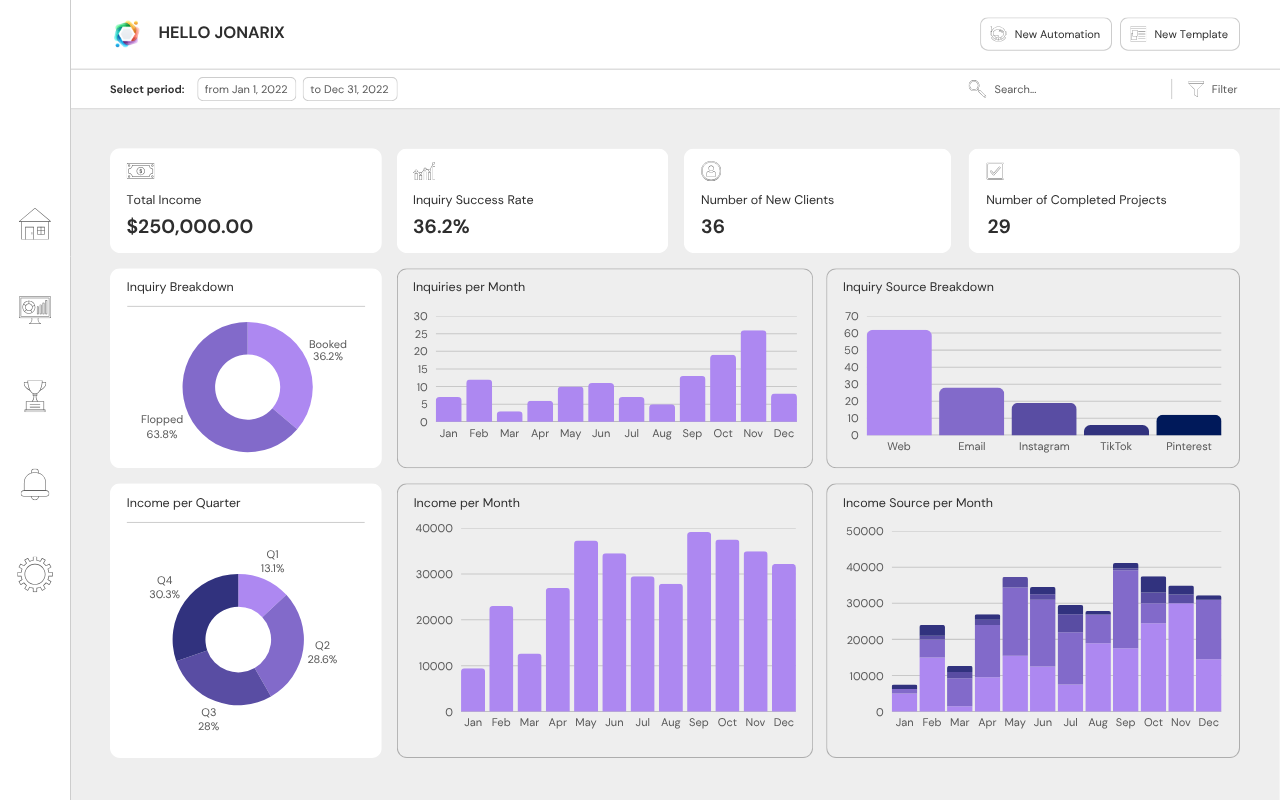
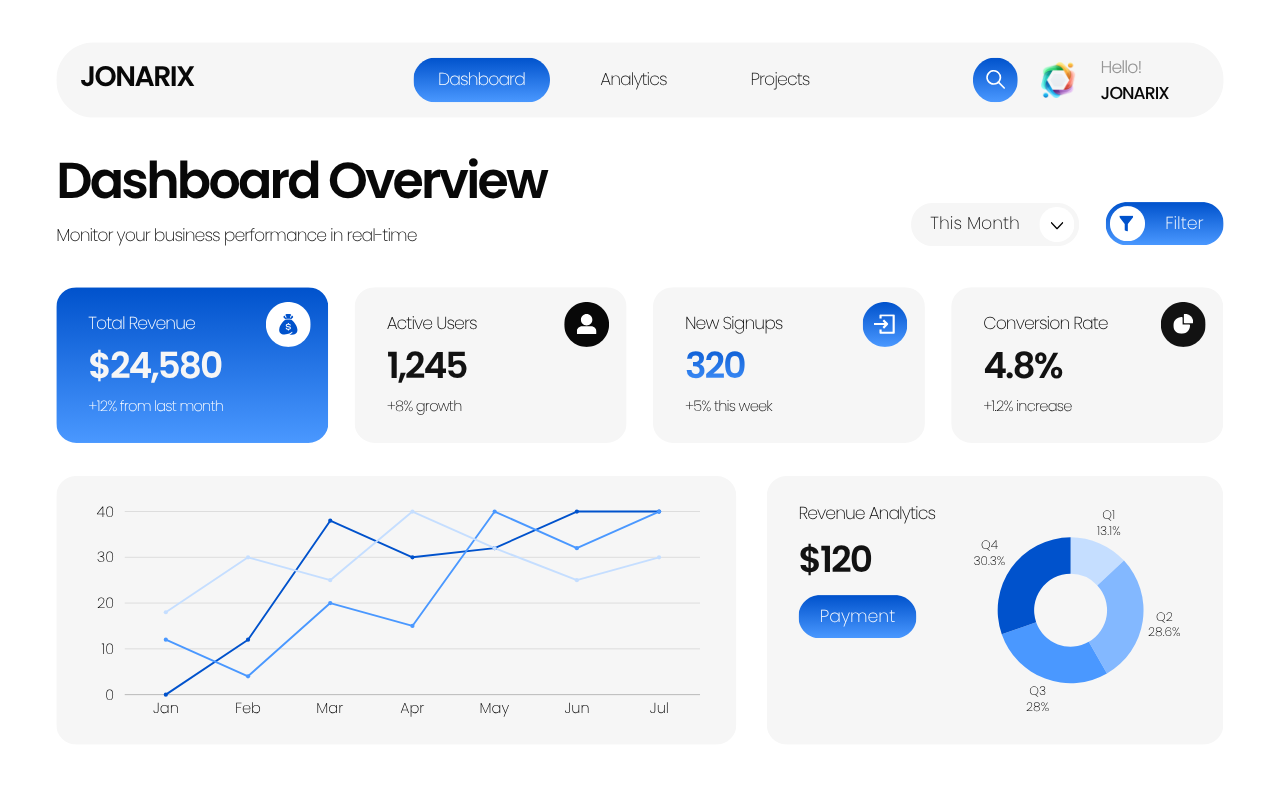
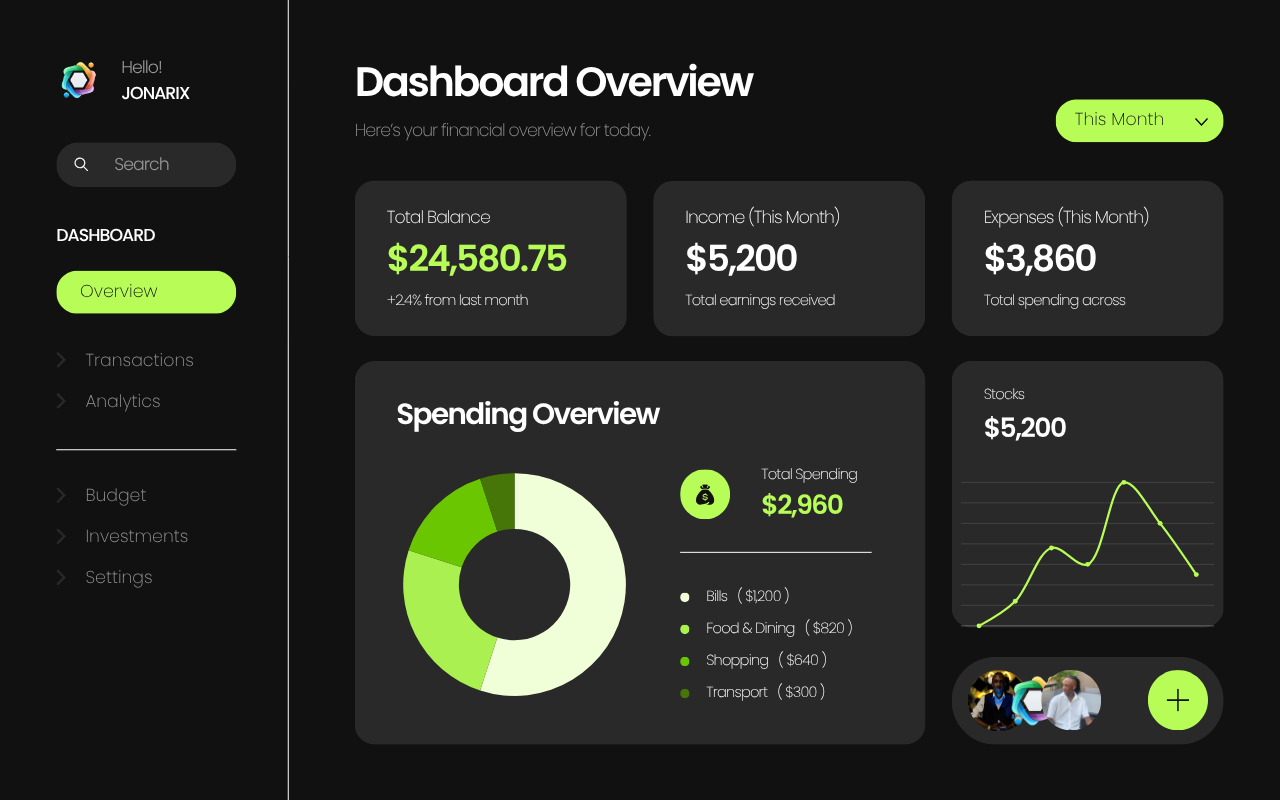
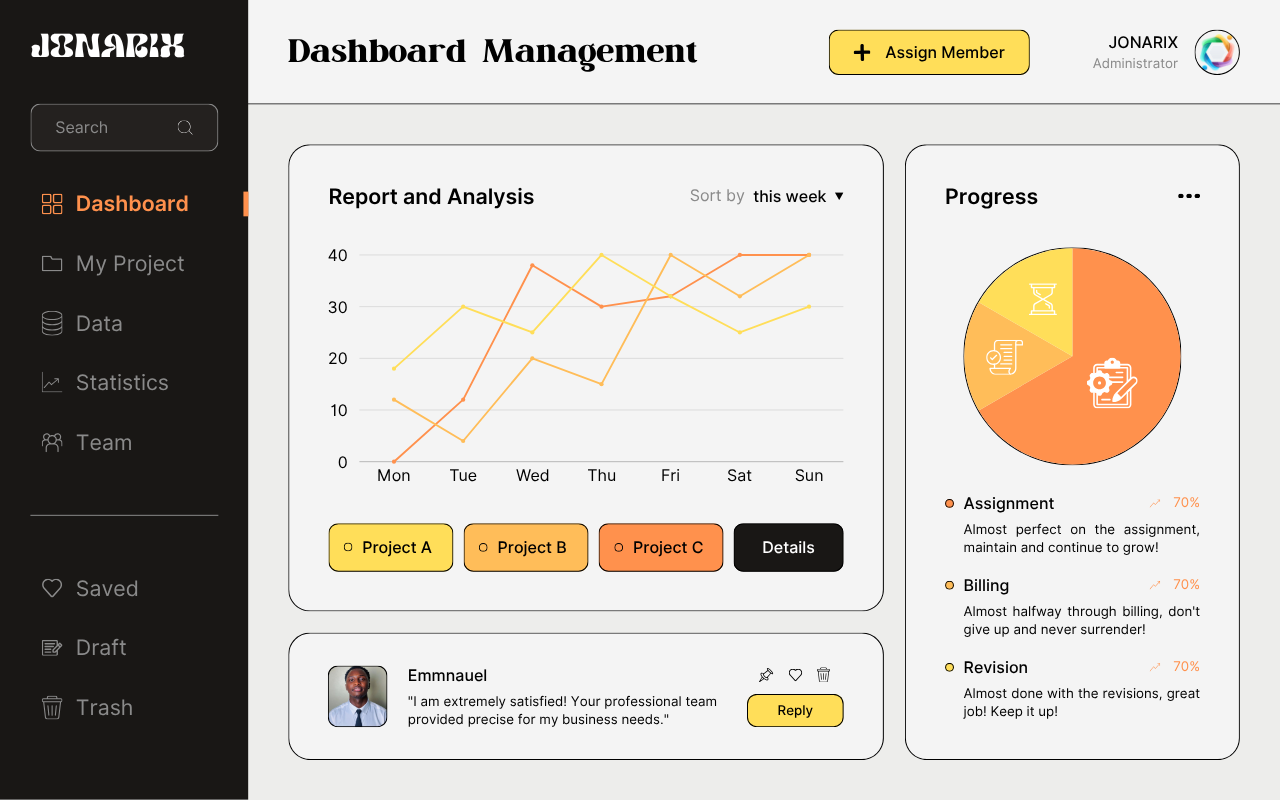
Your developer home on Jonarix: a GitHub-style public page with sections, rich links, availability, and a full README preview. Your @handle surfaces in the catalog and CLI once you publish.
Your public profile is keyed to your handle (like GitHub). If you signed up without one, contact support or use a new account with a reserved handle.
Build your registry page like a GitHub profile: rich fields, social graph, and a full-width README preview.
Headline and bio appear at the top of jonarix.com/@handle. Display name is managed under Account settings.
Use an https:// image URL, or a compact data:image/? data URI. Preview confirms the image loads; remote hosts must allow hotlinking.
Colours apply to your public handle page and this preview: banner gradient, accents on chips and links, and avatar glow.
Buttons, chips, and highlights.
Company and location show as metadata. Use availability for consulting, collabs, or office hours.
Add every surface where people can verify you or reach out. URLs are normalised to https.
Pin up to 12 published prompts on your public page. Visitors see cards with name, badge, and models ? ideal for highlighting your best packs.
Loading your prompts?
Long-form story: projects, principles, and how to use your prompts. Supports headings (##), bullets, **bold**, *italic*. Scripts are stripped in preview.
Save stores drafts on your workspace. Publish profile marks this page as live so people who open your handle from the community catalog see the latest version.
This mirrors the public handle page. Switch to Edit to change fields. Display name and email are under Account settings.
Manage runtime API keys for CLI, studio integrations, prompt runs, and agent scans.
Select a profile to prefill key metadata and recommended access policy.
# Runtime identity (technical profile)
service_name   = "jonarix"
cli_binary     = "jonarix"
auth_header    = "Authorization: Bearer <runtime_key>"
env_var        = "JONARIX_API_KEY"
default_mode   = "production"
Use the same runtime key you generate below (jnx_live_?) over HTTPS so tools, scripts, and coding agents (for example Cursor with a project rule) can talk to Jonarix without your Firebase login. This is how external models list your workspace prompts and load the full prompt body, including the latest text from version history when needed.
Base URL for this site:
https://jonarix.com/api
GET /health ? No auth. Returns ok when the API is reachable (via Netlify /api/* proxy or Firebase Hosting).POST /runtime/verify ? Optional key check. Send JSON {"key":"<jnx_live_?>"} or header Authorization: Bearer <key>. Response includes keyId and status.GET /runtime/prompts ? Requires Authorization: Bearer <runtime_key>. Lists prompts you own (id, name, description, bodySnippet, updatedAt, ?).GET /runtime/prompts/<promptId> ? Same Bearer header. Returns the full prompt object including body, description, planMarkdown, codeSnippet, and related fields.
Set the key only in environment variables (for example JONARIX_API_KEY). Never paste runtime keys into public repos, client bundles, or shared prompts. Rotate a key from this page if it is ever exposed.
# List prompts (set JONARIX_API_BASE to your API root, e.g. https://jonarix.com/api)
curl -sS -H "Authorization: Bearer $JONARIX_API_KEY" \
  "${JONARIX_API_BASE}/runtime/prompts"

# PowerShell example:
# Invoke-RestMethod -Uri ($env:JONARIX_API_BASE + '/runtime/prompts') -Headers @{ Authorization = "Bearer $($env:JONARIX_API_KEY)" }
# Example: fetch one prompt by Firestore document id
curl -sS -H "Authorization: Bearer $JONARIX_API_KEY" \
  "https://jonarix.com/api/runtime/prompts/<promptId>"
For agents: tell the model the base URL, that every protected route uses Bearer auth, and the workflow ?list ? pick id ? GET detail ? use prompt.body?.
Focused analytics on trend, source quality, and recent key usage context.
Use this payload schema from external studios/agents so usage appears in the same analytics dashboard.
# POST usage event (studio/agent integration)
{
  "keyId": "<runtime_key_id>",
  "source": "external.studio.run",
  "where": "vscode/linux",
  "platform": "Win32",
  "online": "online",
  "status": "success",
  "errorCode": "",
  "latencyMs": 420,
  "tokensIn": 1200,
  "tokensOut": 340,
  "createdAtMs": 1730000000000
}
Runtime keys are stored in your Jonarix account scope and shown in this dashboard list. Only keys with active status should be used in local tools.
Yes. Create separate keys for different environments (local development, CI, automation) so access can be rotated or revoked independently.
Use one active key per working environment. This keeps install, run, and agent scan behavior consistent and avoids cross-environment permission drift.
Run this exact sequence:
# 0) Click "Generate key" above (saved to your account)
npm install -g jonarix
jonarix keys set <generated_key>
jonarix keys status
jonarix install <handle/prompt>
jonarix run <handle/prompt>
jonarix agent scan --prompt <handle/prompt> --path .

# Optional override for current shell session only
$env:JONARIX_API_KEY="<generated_key>"
Production verification checklist:
# Must return the expected account + active key
jonarix whoami
jonarix keys status

# Must install and execute successfully
jonarix install <handle/prompt>
jonarix run <handle/prompt> --var smoke_test=1

# Must complete agent workflow and return output
jonarix agent scan --prompt <handle/prompt> --path . --output json
Operational rule: one selected active key per environment, explicit rotation, immediate revocation for unused keys. If studio install works but agent scan fails, verify user/session alignment, key freshness, and command context first.
Workspace
Identity, public handle, billing limits, security, and optional catalog verification.
Profile, workspace URL, plan limits, and session options.
Name and email shown in the app and catalog.
?
?
Uses your public profile photo when set; otherwise initials.
Shown on your public profile and in the catalog.
Read-only. Change it with your sign-in provider, then sign in again.
Editable handle and public URL (must be unique).
Use 3-32 chars: letters, numbers, hyphens, underscores.
jonarix.com/?
Discovery and your public developer page.
Public developer page
Edit headline, README, links, and preview before publishing.
Your sign-in email is not shown publicly unless you add it to your README.
Choose your preferred color theme.
Trust & catalog
Optional manual review. When approved, the purple verified badge appears next to your @handle in the Community catalog and developer directory.
Verification is optional. Reviews usually take a few business days. We will email your account address when the decision is ready.
Upload a clear photo of your government-issued ID and a selfie holding a handwritten note that includes: Jonarix and today's date. Images are stored privately (only you and Jonarix admins can access them).
Previous submission was not approved
Each upload is logged here so you can see when materials were sent. Your current review state is shown above.
No submissions logged yet.
Password reset and two-factor authentication (TOTP).
Password
If you use email and password to sign in, we can send a reset link to your account email.
Two-factor authentication (2FA)
Google Authenticator, Authy, Microsoft Authenticator, or any TOTP app.
Verify your email before enrolling (required for 2FA).
Authenticator MFA must be enabled for Jonarix sign-in. If setup returns ?operation not allowed?, an administrator needs to turn on TOTP in the cloud auth console.
Limits and upgrade.
Free plan: 10 prompts
Sign out here or permanently delete your data.
Sign out
Ends your session on this browser. Other devices stay signed in until you revoke them.
Delete account
Permanently removes your account, prompts, and registry data. This cannot be undone.
Invite collaborators to your workspace. Shared members can view and run your prompts.
During our launch promo, every feature — unlimited prompts, private repos, analytics, the full academy — is 100% free for all users.
$0forever
Includes
$12 $0launch promo
Everything in Free, plus
$49/ month ? 5 seats
For small orgs
Custom SSO ? SLA
Security & scale
Full marketing comparison also lives on jonarix.com/pricing.
Payments, invoices, and receipts for your workspace. Coffee support and plan upgrades are saved automatically after successful payment.
| Date | Description | Amount | Status | Invoice | Receipt |
|---|
No payments recorded yet. After you subscribe, each charge appears here with invoice and receipt links when available.
48 interactive lessons — solo coding or vibe coding with AI.
48 lessons across two paths — type every line yourself, or build fast with AI assistance. Both tracks are completely free.
All 48 lessons are unlocked. Keep going!
Everything you need to get the most out of Jonarix ? from first prompt to production.
Jonarix is a platform for versioning, sharing, and installing AI prompts ? the same way npm handles JavaScript packages and Git handles code.
Every prompt you create gets a semantic version number (like 1.0.0), a stability badge, a variable schema, and a community test record. You can publish prompts so others can install and run them with a single CLI command.
Think of it as your team's shared prompt library ? searchable, versioned, and always traceable back to who wrote it and what results it produces.
Click + New Prompt (header or sidebar). The creator opens in the main panel ? a four-step flow:
{{variable}} for placeholders ? they're auto-detected. Pick model compatibility.Once published, anyone can install and run it using jonarix run your-handle/prompt-name.
This is the full quality workflow used by top-performing prompts in the catalog. Follow it from start to finish to publish something people can actually run, trust, and star.
Before you click New Prompt (2-minute prep)
Step 1 ? Positioning (discoverability + routing)
newPromptName): use kebab-case, action-first names such as summarize-quarterly-report. Avoid generic names like assistant. The input is cleaned by sanitizePromptName().newPromptCategory): pick the core task type users will filter by in Community Catalog.newPromptVisibility): choose audience mode for published prompts (public/private).visibility is resolved in submitNewPrompt().newPromptTopicsGrid + newPromptTopicOtherDesc): add industry tags users search for. "Other" field visibility is controlled by syncPromptTopicOtherVisibility().Step 2 ? Context (trust + conversion)
newPromptDesc): include who it is for, expected input shape, and exact output format. This text decides whether users click your prompt.newPromptExampleIn, newPromptExampleOut): show one realistic pair. This reduces misuse and support questions.newPromptNegativeExamples): document bad outputs to prevent common failure modes.newPromptOutputSchema): define structure (JSON schema or strict object template) when consistency matters.newPromptLicense, newPromptLicenseNote): clarify reuse rights so teams can adopt your prompt safely.Step 3 ? Blueprint and body (execution quality)
insertPromptBlueprintFromFields() and appends a structured template into your main prompt body.newPromptBody): write deterministic instructions with clear priorities ("If conflict, follow section X first").{{variable}} placeholders. They are auto-detected via extractVariables() into varsList.Step 4 ? Review & publish (release discipline)
newPromptVersion): start with 1.0.0 for first public release.newPromptVersionChangelog): explain what changed and why.syncCodegenAckHintVisibility().submitNewPrompt(), writes the prompt document, then writes version 1.0.0 in prompts/{id}/versions.What each important function does
sanitizePromptName(input): enforces clean handle-style naming.syncPromptTopicOtherVisibility(): toggles custom topic input visibility.insertPromptBlueprintFromFields(): converts blueprint form fields into a structured body block.extractVariables(): parses {{variables}} and updates the variable list.syncCodegenAckHintVisibility(): shows required policy acknowledgment for sensitive categories.submitNewPrompt(): validates fields, builds payload, uploads metadata, writes prompt + first version, and refreshes UI datasets.loadMyPrompts(): repopulates your "Your prompts" table after creation.loadCommunityCatalog() + renderDiscover(): refreshes public catalog cards when prompt is published.High-quality prompt checklist (copy this before publish)
{{data}}).Common mistakes to avoid
The Jonarix CLI requires Node.js 18+. Install it globally with:
Then set one active API key (stored locally):
Verify everything is working:
You're ready to connect your studio and run prompts with the same active key.
Your workspace handle is your unique identifier on Jonarix ? similar to a GitHub username. It appears in:
jonarix.com/your-handleyour-handle/prompt-namejonarix run your-handle/prompt-nameIt's set during signup and cannot be changed after creation, so choose carefully. Lowercase letters, numbers, and hyphens only (3?32 characters).
Quality badges describe how a prompt appears in the catalog. They are separate from visibility (public listing vs only you).
Operators can remove policy-breaking prompts from the catalog. If you see abuse, use report flows where available or contact support.
Public prompts appear in the Community catalog, can be starred and installed by anyone, and earn community test results. They contribute to your public profile.
Private prompts are only visible to you. They still get full version control, the same CLI access, and the prompt body is never exposed to other users. Use private mode for:
You can change a prompt from private to public at any time. Going public ? private is also allowed, but it removes the prompt from community listings and search.
Three ways to run any prompt:
1. CLI (recommended):
2. JavaScript SDK:
3. Python SDK:
All three methods fetch the latest published version unless you pin a specific version with @version, e.g. sarah/summarize-article@1.2.0.
A .jnx file is the portable specification for a Jonarix prompt. It's JSON:
You can import an existing .jnx file directly: jonarix import ./my-prompt.jnx. Export any prompt with: jonarix export sarah/summarize-article.
Variables make your prompt reusable. Wrap any dynamic value in double curly braces: {{variable_name}}. When the prompt runs, each {{?}} placeholder is replaced with the real value.
Example prompt body:
Run it:
Variables are auto-detected in the dashboard when you write your prompt body ? just type them and they appear in the Variables section below.
Yes. In the prompt editor, after auto-detection you can mark each variable as required or optional and set a default value for optional ones.
In the .jnx schema:
When a caller omits an optional variable, the default is used automatically. If a required variable is missing, the CLI throws an error before sending any tokens.
Jonarix supports any model you have API access to. Current first-class supported models:
When running a prompt, you can pass any model identifier. If the prompt's compatibility list doesn't include it, you'll get a warning but the run will proceed.
When a prompt author publishes, they declare which models they've tested it against. This list is a recommendation, not a hard restriction.
The community test suite then runs the prompt against each listed model and records pass/fail results, token counts, and output quality scores. This is how the Stable badge is earned ? real tests, not self-reported claims.
If you're running a community prompt on an unlisted model, check the Tests tab in the prompt drawer to see how it performed on similar models first.
Jonarix uses Semantic Versioning (semver) for prompts: MAJOR.MINOR.PATCH
Callers can pin a version: jonarix run sarah/summarize@1.2.0, or always get latest: jonarix run sarah/summarize@latest
Every version is stored permanently ? you can diff any two versions in the Versions tab of the prompt drawer.
Yes. Every version is kept forever. You can make any past version the "latest" from the Versions tab, or pin callers to a specific version number.
Teams using jonarix.json can lock prompt versions the same way package.json locks npm dependencies ? preventing unexpected behaviour changes from upstream prompt updates.
Similar to package.json, jonarix.json is your project's prompt lock file. It records which prompts your project depends on and at what version.
Run jonarix install to fetch all pinned versions. Run jonarix update to upgrade within your semver range. This means your team all runs the same prompt versions ? no surprise behaviour changes.
Runtime keys are generated by Jonarix and stored in Firestore under your user scope (users/{uid}/apiKeys). Access is restricted to the owning authenticated user (and admin policy where applicable). You can create multiple keys and revoke any key at any time.
Responsibility boundary:
Best practice: treat copied keys as credentials with production impact. Avoid sharing in chat logs, repos, or screenshots. Rotate immediately if exposure is suspected.
Billing and hard limits are enforced by the execution provider associated with your runtime path. Jonarix does not override provider quotas or rate limits.
Operational implications:
Most integration incidents come from revoked keys, stale local environment variables, or mismatched runtime configuration between terminal and editor extension sessions.
Use a no-downtime rotation workflow:
For shared teams, issue distinct keys per environment (local, CI, production automation) to isolate risk and simplify incident response.
Validate in this order:
If needed, generate a fresh key, rebind your tools, and retry with a minimal command path (keys status -> install -> run).
Starring a prompt in the Community catalog saves it under Starred prompts for quick access. Stars are stored locally in your browser and are also synced to Firestore when you're signed in.
The star count on a prompt is a community trust signal ? prompts with more stars tend to be better quality and more widely tested. Stars don't affect stability badges directly, but they do influence which prompts appear in Featured sections.
Yes. Any public prompt can be forked. Forking creates a copy in your workspace that you can modify freely. The fork keeps a reference to the original prompt.
This creates your-handle/summarize-article as a fork. You can then modify it, publish your improved version, and it'll show "forked from sarah/summarize-article" on its page.
Installing (without forking) just runs the original author's prompt from the registry ? no copy is made in your workspace.
| New prompt | N |
| Go to Dashboard | G then O |
| Go to Your prompts | G then P |
| Go to Community catalog | G then D |
| Go to Developer directory | G then U |
| Go to Public profile | G then B |
| Go to BYOK API keys | G then K |
| Go to Account settings | G then S |
| Go to Plans & billing | G then L |
| Go to Help center | G then H |
| Focus search | / |
| Close drawer / modal | Esc |
| Launch tour | ? |
--var | -v |
--model | -m |
--output json | -o json |
--version | --ver |
--file | -f |
--dry-run | --dry |
Example: jonarix run sarah/code-reviewer -m claude -f main.py -o json
Didn't find what you need? Take the guided tour again, or reach out ? we respond fast.
Quick mode for fast publishing: add a name, short description, demo media, prompt text, then publish. Switch to Pro for the full advanced workflow.
Select industries or audiences that apply ? e.g. Travel, SaaS, Entertainment. These power the Vertical filter in Discover.
Adds a searchable tag so your niche shows up in Discover.
Next you?ll add a description and demo, then write the actual prompt instructions.
Use the submenus below: Images ? upload at least one screenshot (only one is required; extras are optional, max 5). Or use Video for a single short clip instead. Any media dimensions are accepted.
Drop image files here or click to browse
Images: PNG/JPG/WebP, any ratio. One image is enough to continue; add more only if you want (optional, max 5). Images are compressed before upload.
Sharpen expectations: counterexamples, output shape, and how others may reuse your prompt text. All optional but recommended for marketplace credibility.
Fill these sections to build a powerful prompt. Then click Insert blueprint into prompt body.
This is the main prompt text sent to the model. Use {{variable}} placeholders where callers supply inputs.
{{curly_braces}}. Write clearly ? this field supports long, detailed prompts.{{name}} to your prompt body.Help others reproduce your workflow: dependencies, commands, sample code, or a short plan.md-style roadmap. All fields are optional.
Saved JSON fixtures power a future variable playground and ?run sample?. Export bundles your prompt as Markdown + a small manifest for Cursor, Claude Code, or Kimi.
Coming soon: bounded ?run sample? in the browser and starred ?works best on? votes per model in Discover ? your selected models already feed those facets.
After publish, stars, saves, and runs surface in the catalog. Fork lineage and community ?best on? votes will link back to prompts that declare clear licenses and models.
Selections act as compatibility and ?tested on? badges for your listing when you ship.
Curated coding & agent models (flagships first) ? select every provider/model that fits this prompt. Use the filter to narrow the list.
?
jonarix-manifest.json for Cursor, Claude, Kimi, or BYOK flows. Nothing is uploaded.Required acknowledgment for your selected primary category when publishing.